Подготовка конструкция на сграда - Създаване на лоджия
Направо към навигацията
Направо към търсенето
| Продукт | InstalSystem 5 |
| Вид статия | ФУНКЦИОНАЛНОСТИ |
| Актуално съдържание за версия | 2020-11-26 |
Description
This article describes how to create a loggia.
Editing often requires calling Изчисление на сградна конструкция in order to display the effects of the changes made.
За повече информация, моля вижте: Preparation of building structure
Местоположение в програмата
Building structure
- Icons of elements and functions concerning the building structure are available in the 2D editor window in the Главни ленти с инструменти bar in the Конструкция section when the Конструкция editing scope is enabled.
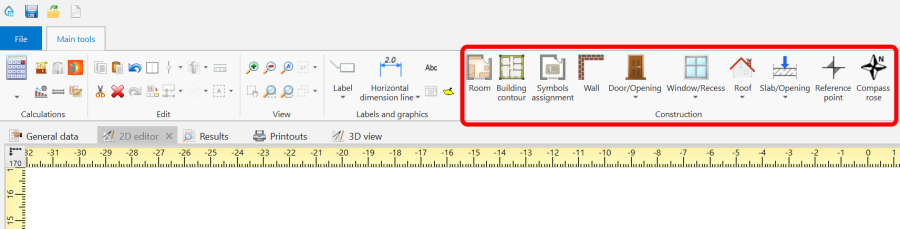
1. Building structure elements

Computation of building structure
- Изчисление на сградна конструкция is available in the Главни ленти с инструменти bar in the Изчисления section.
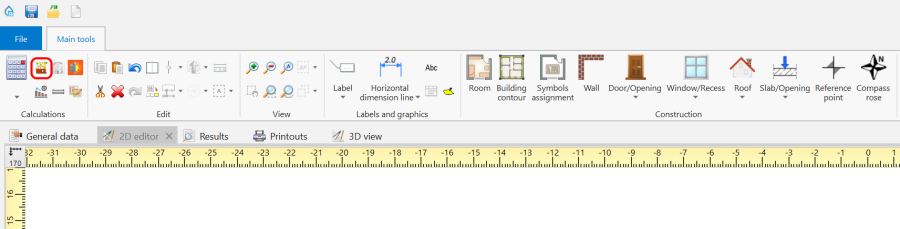
2. Изчисление на сградна конструкция

Examples of use
1. Create the outline of the loggia using the Стена element. Then adjust the outer walls.
- roofed loggia,
- roofless loggia - in order to cut out a fragment of the Покрив use the Отвор в покрива element,
- loggia with a roof with an opening - in order to cut out a fragment of the Покрив use the Отвор в покрива element and then use Добави покривна линия,